GPU Cloud Orchestration — Deploy AI Workloads Across Any Cloud | LayerOps
GPU Cloud Orchestration
Deploy AI Workloads Across Any Cloud
GPU resources are scarce and scattered across providers. LayerOps federates GPUs from AWS, GCP, OVH, Scaleway and your own on-premise servers into a single orchestration layer. Auto-provision the right GPU, wherever it's available — no stock shortages, no vendor lock-in.
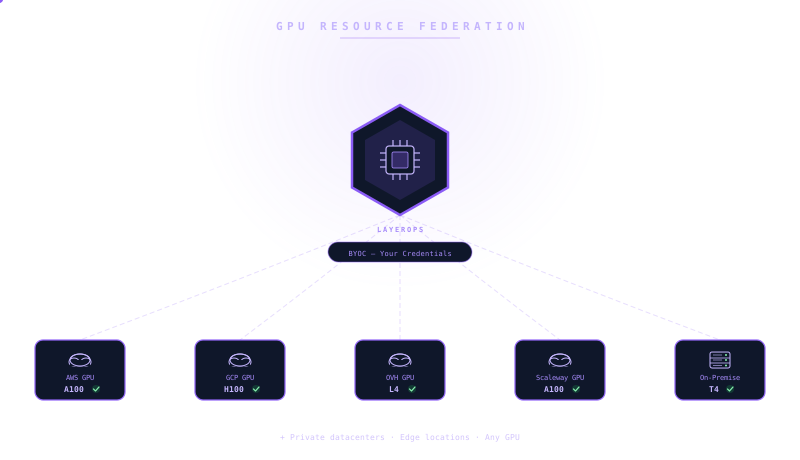
Cross-Cloud GPU Federation
One control plane, every GPU
LayerOps orchestrates GPU resources from any cloud provider and your own bare-metal servers through a single control plane. Tag your GPU pools, define provider priorities, and let the platform automatically find available capacity. When one provider runs out of stock, workloads shift to the next — no manual intervention, no downtime.
Configuration comparison
Deploy an LLM inference service with GPU acceleration. The traditional approach requires cloud-specific CLIs, manual driver installation, and no built-in scaling. LayerOps handles it in a single service definition.
See it in Action
A glimpse into the LayerOps console
Deploy, monitor, and manage all your containers from a single console.
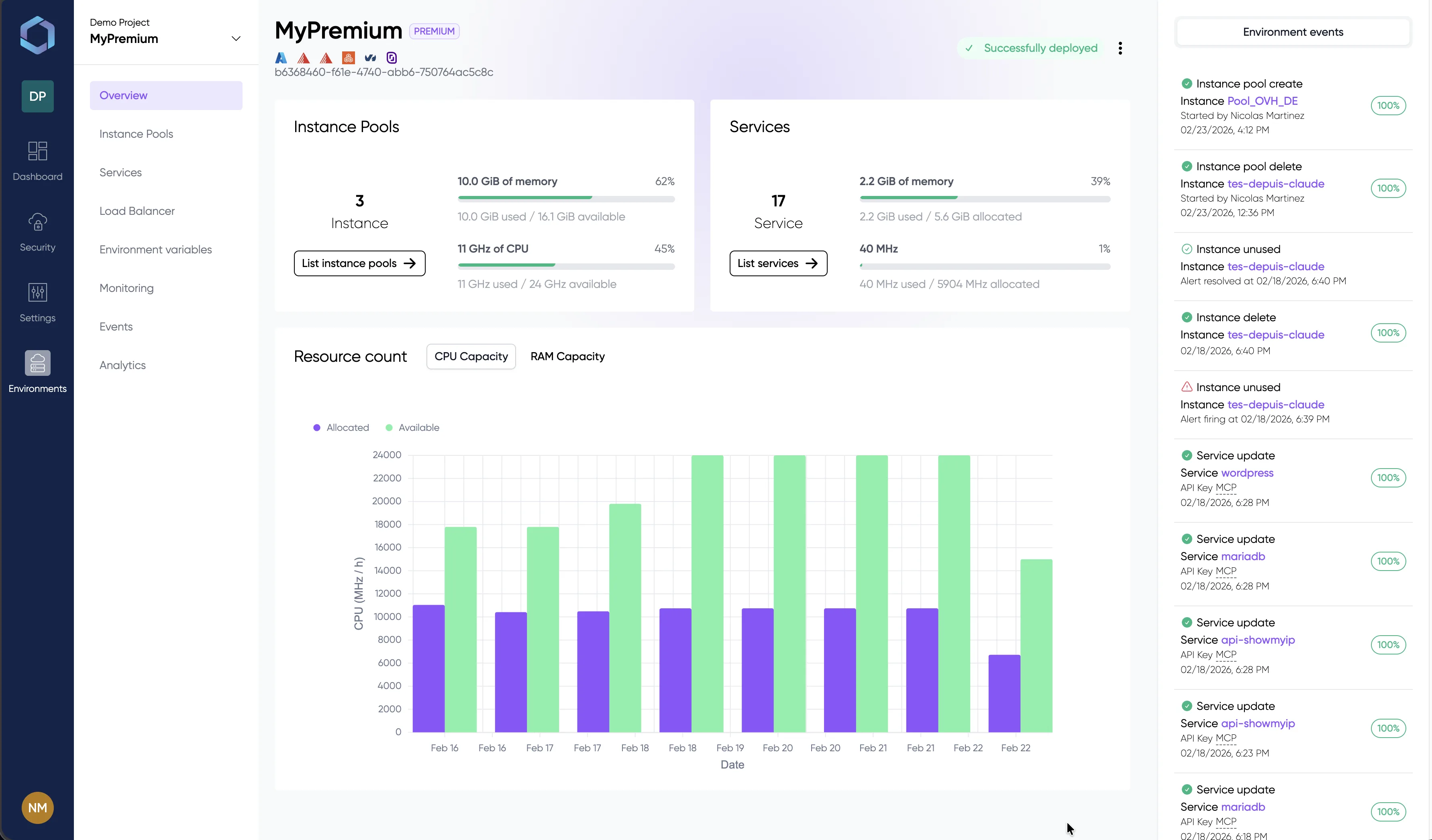
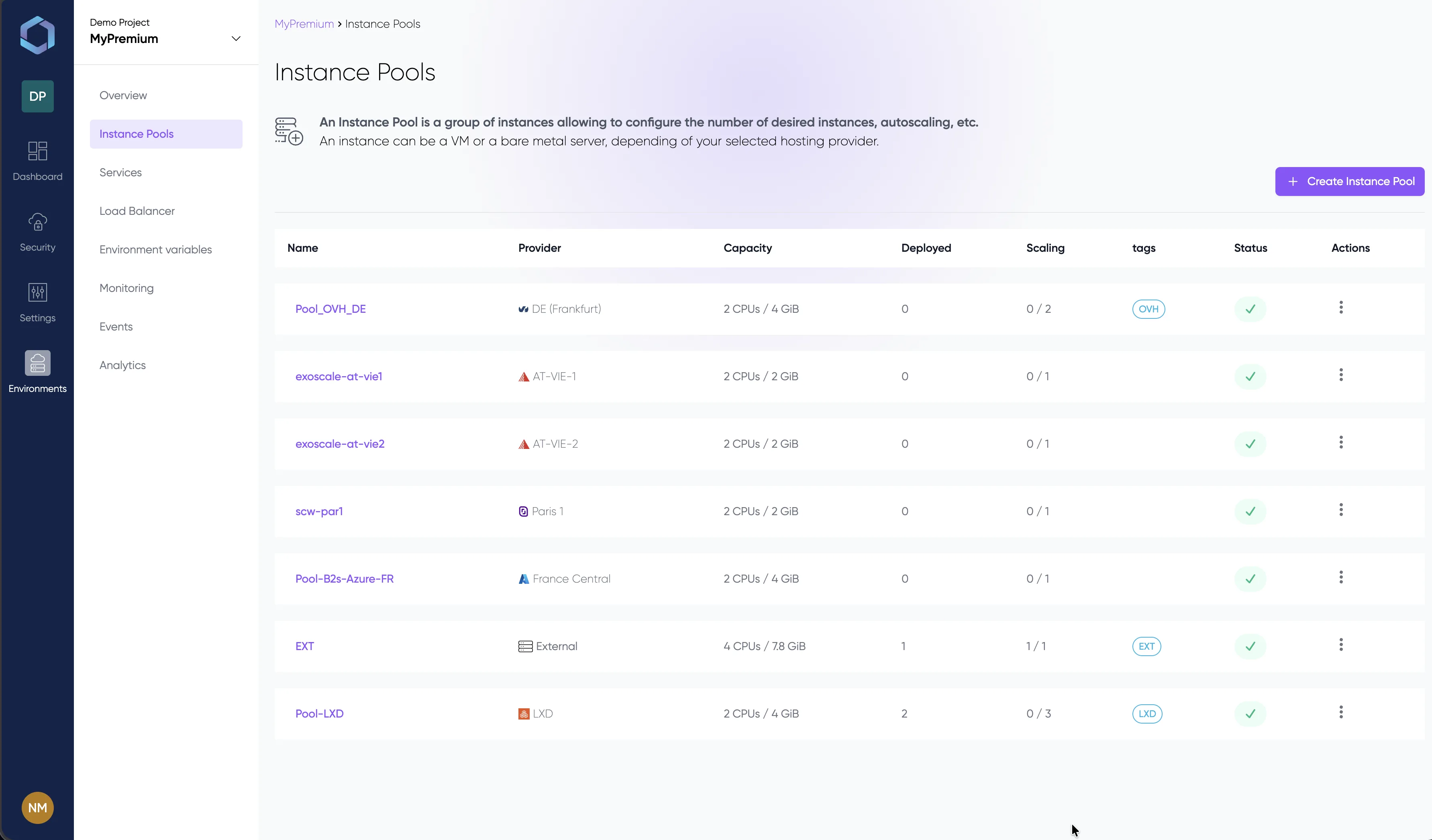
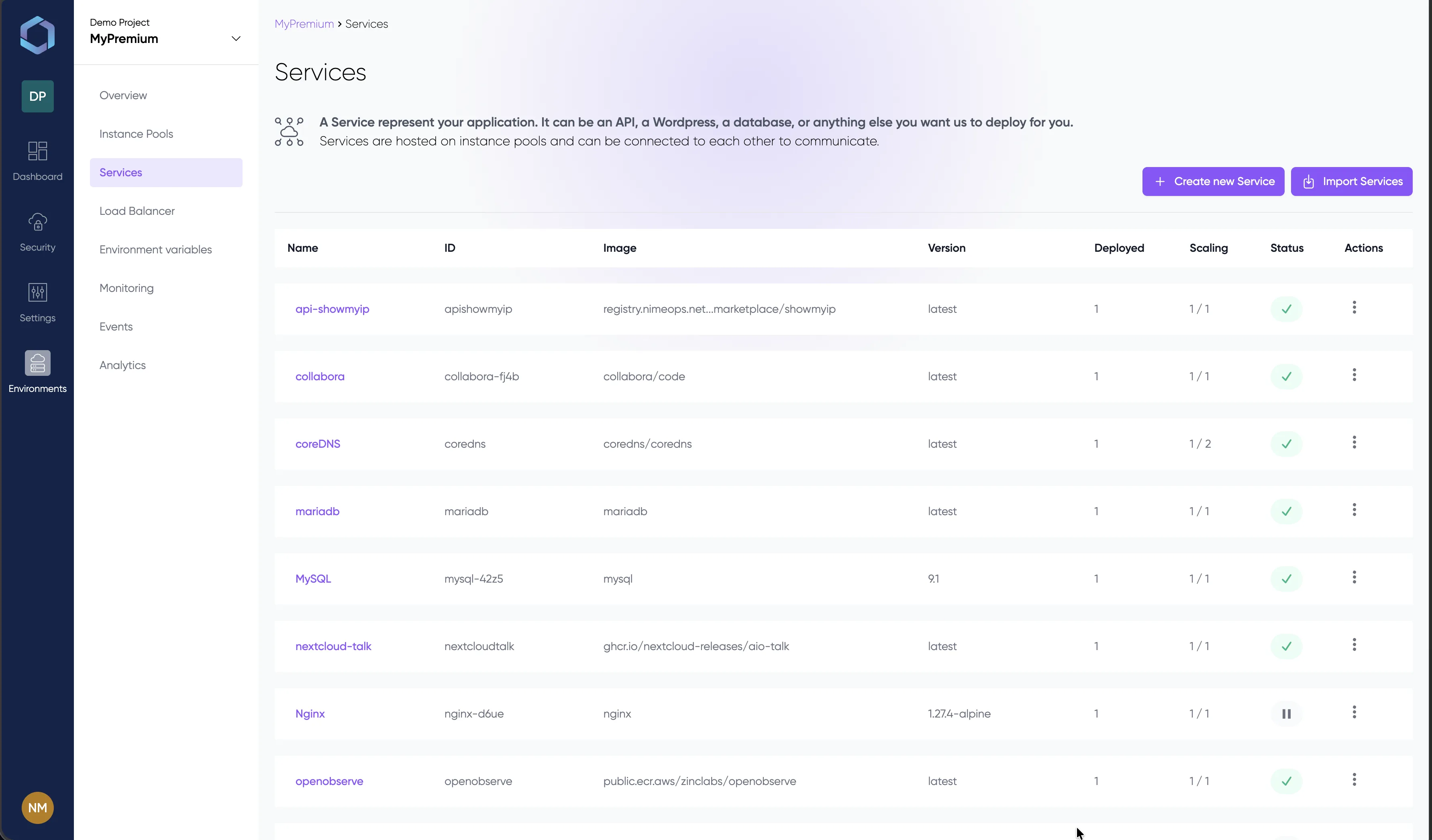
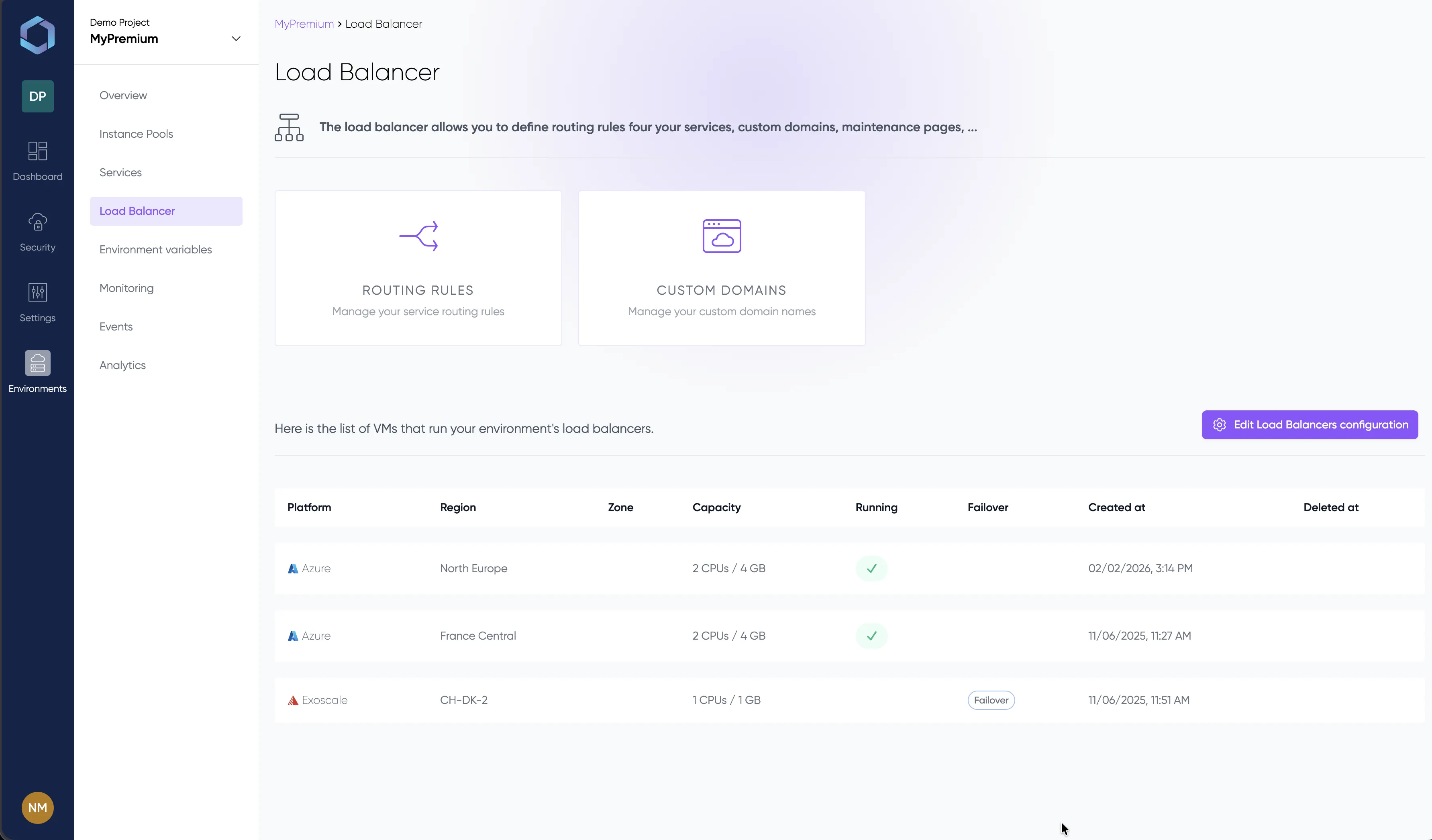
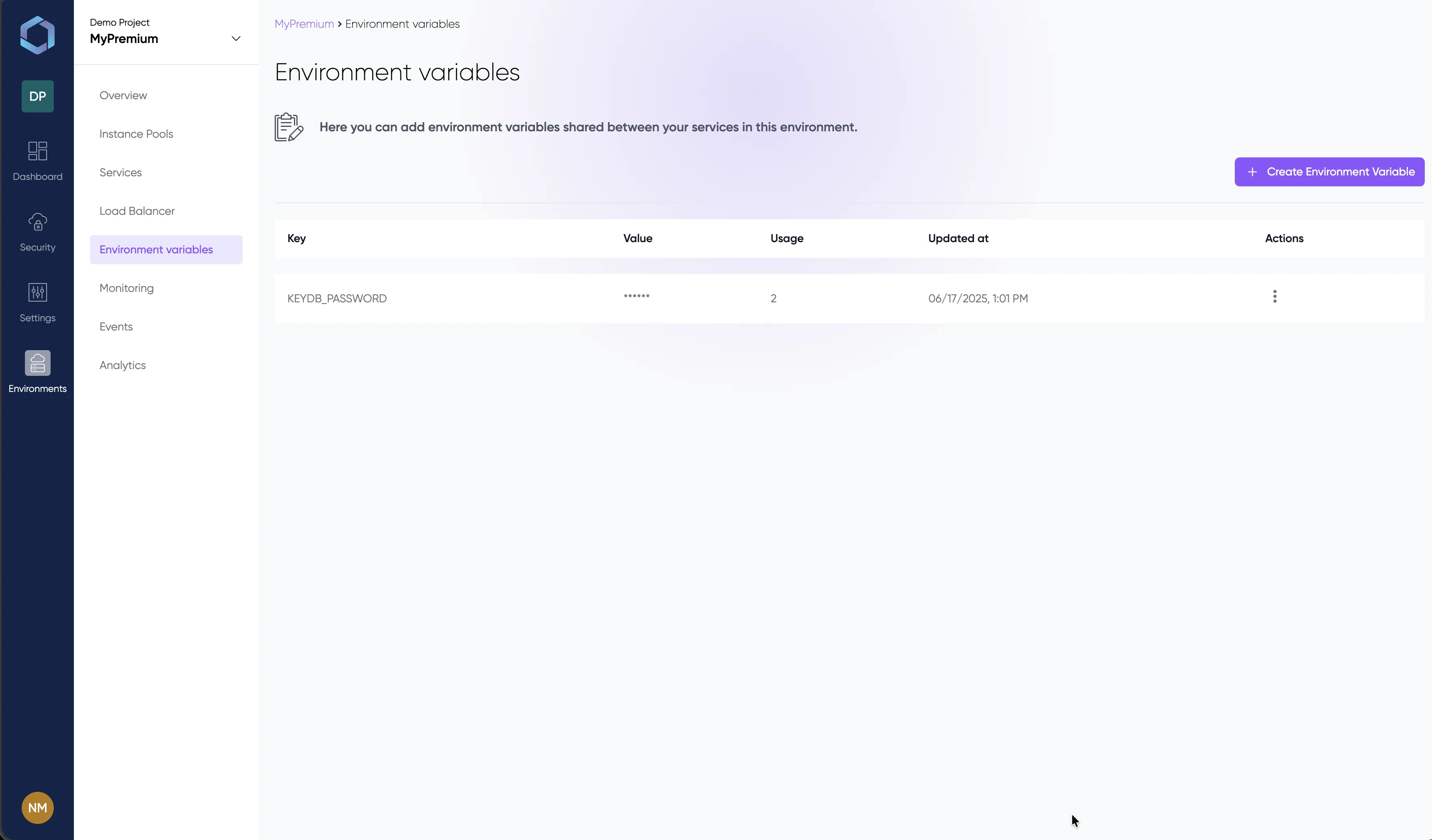
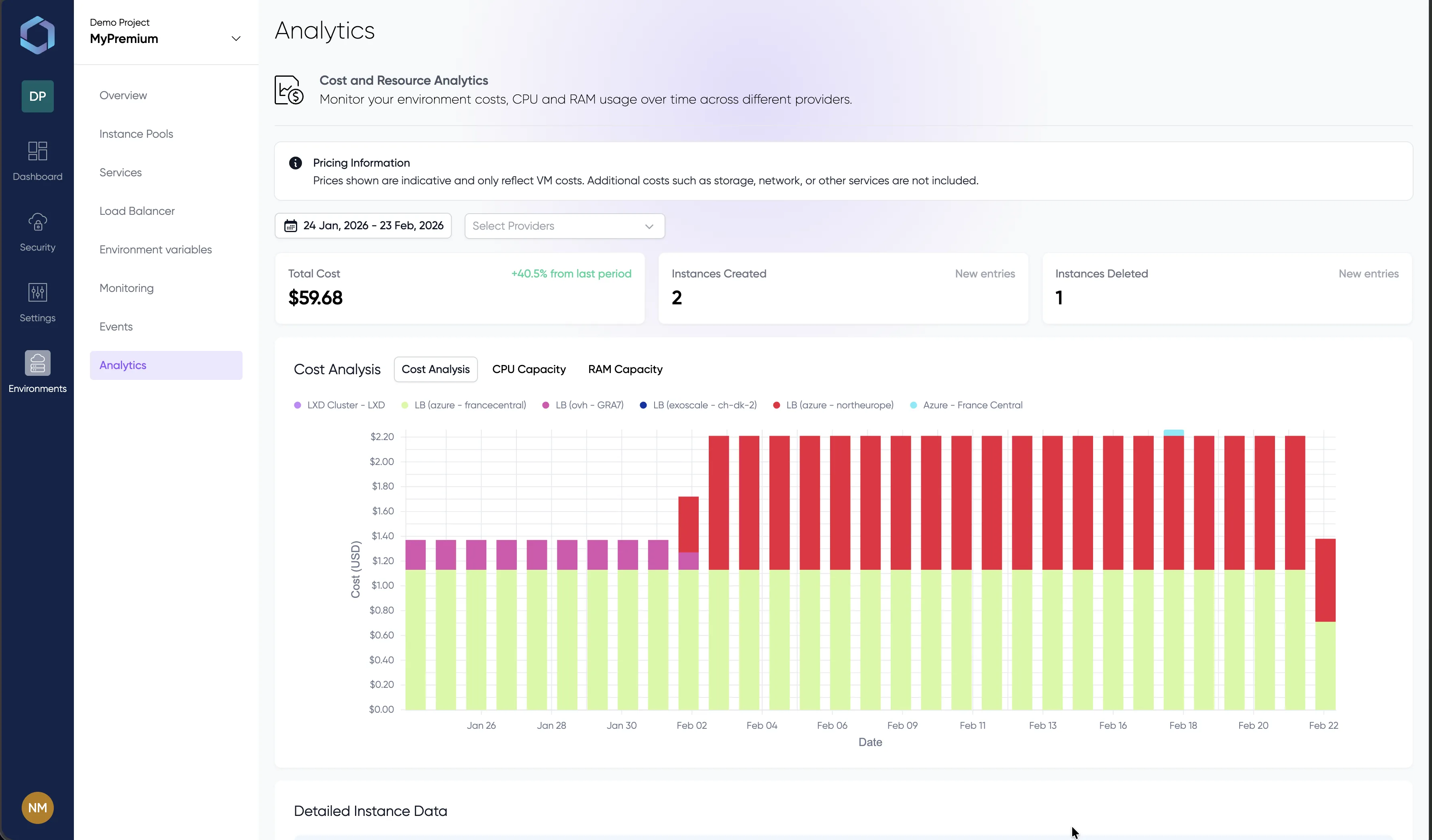
Explore the console with sample data — no signup required
Why teams choose LayerOps for GPU workloads
GPU Auto-Provisioning
LayerOps automatically provisions GPU instances from the cheapest available provider. No manual capacity hunting, no cloud console hopping. Tag your instance pools with GPU, deploy your service — the platform handles the rest.
Cross-Cloud GPU
Span GPU workloads across AWS, GCP, OVH, Scaleway and on-premise infrastructure. Provider goes out of stock? Traffic shifts automatically to the next available pool — zero downtime, zero manual intervention.
Sovereign AI
Deploy LLMs on your own infrastructure. No tokens sent to external APIs, no data leaving your perimeter. Full sovereignty over your AI stack — compliant with defense, healthcare and finance regulations.
Ollama Marketplace
One-click deployment of Llama 3, Mistral, DeepSeek and other open models from the built-in Ollama marketplace. Select a model, pick your GPU pool, deploy — your private LLM is live in minutes.
MCP Server
Manage your GPU infrastructure through natural language via the Model Context Protocol. Let AI agents deploy services, scale instances, and troubleshoot your fleet — directly from any MCP-compatible assistant.
Cost Optimization
Real-time cost comparison across GPU providers. LayerOps scheduling places workloads where the price-performance ratio is best. Per-environment cost analytics help you track and optimize your AI infrastructure spend.
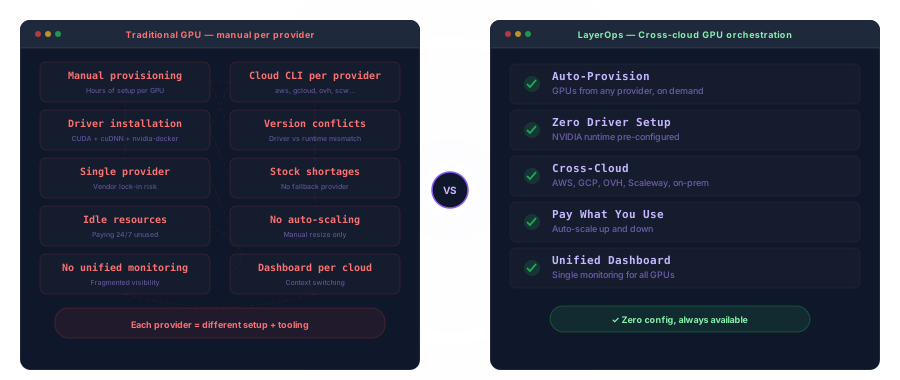
Traditional vs LayerOps
End GPU provisioning pain
Traditional GPU provisioning means managing cloud-specific CLIs, installing NVIDIA drivers manually, dealing with stock shortages from a single provider, and paying for idle resources. LayerOps automates the entire workflow — from GPU discovery to cross-cloud failover — in a single integrated platform.
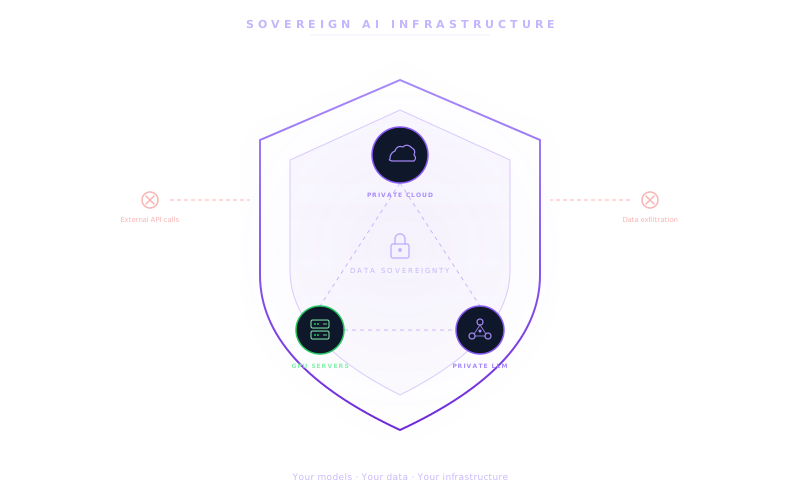
Sovereign AI Infrastructure
Your models, your data, your rules
Deploy Llama 3, Mistral, DeepSeek or any open LLM on your own GPU servers — on-premise or in sovereign clouds. No tokens sent to OpenAI or Anthropic APIs. Your training data, model weights and inference results stay inside your perimeter. Compliance-ready for defense, healthcare, finance and any regulated industry.
| DIY GPU Infrastructure | LayerOps | |
|---|---|---|
| SetupTime to first GPU deployment | Under 10 minutes | |
| Infrastructure as Code | Built-in, one-click or YAML | |
| GPU driver management | Fully managed | |
| Learning curve | Minimal — built for developers | |
| GPU ManagementCross-cloud GPU scheduling | Native — any provider, single pane | |
| GPU stock availability | Cross-cloud — always available | |
| GPU auto-provisioning | Built-in, tag-based | |
| On-premise GPU integration | Native — mix cloud + on-premise | |
| AI / LLMLLM deployment (Ollama) | One-click Ollama marketplace | |
| Model catalog | Built-in (Llama, Mistral, DeepSeek…) | |
| Data sovereignty | Guaranteed — no external API calls | |
| MCP Server integration | Built-in AI infrastructure management | |
| OperationsCost analytics | Built-in per-provider breakdown | |
| Autoscaling GPU workloads | Native, cross-provider |
Explore related capabilities
LayerOps GPU orchestration integrates with the full platform. Deploy on your own infrastructure with LayerOps On-Premise. See all supported cloud providers. Build golden paths for your AI teams with Platform Engineering. Guaranteed reversibility — export anytime, zero lock-in. Already on Kubernetes? See LayerOps vs Kubernetes.
See it in action
Explore the LayerOps console without creating an account. Browse environments, GPU services, monitoring dashboards and deployment configs — all with realistic data.
Ready to deploy AI workloads?
Provision your first GPU service in minutes, not days.